

Guide library
GTA VI walkthrough index
Search by a mission, menu label or problem. Use a category when you want to see everything available on that topic.

Find a guide
Search by task, menu or mission.
- GTA VI Settings: Subtitles, UI & ControlsFind captions, readable text, button layouts and sensitivity from one menu map.Settings & ControlsPS5 · Xbox Series X|S
- How to Save in GTA 6 and Load a Manual SlotReach the manual save menu, choose a slot and find it again when you want to return.Getting StartedPS5 · Xbox Series X|S
- GTA 6 Gone Fishing WalkthroughPick up the water packages, locate your objective at the camp and find the next route out.Missions & WalkthroughsPS5 · Xbox Series X|S
Explore by topic
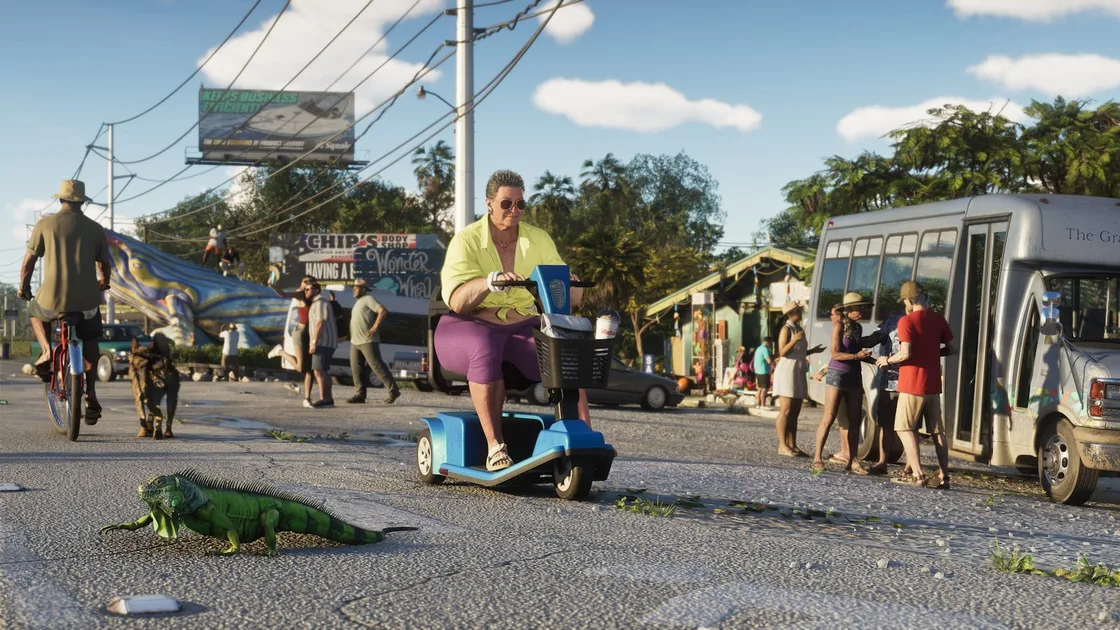
Missions & Walkthroughs
Find your current objective and continue with low-spoiler steps.
Browse guides
Topic images from the official Rockstar Games gallery.
Find the answer while the game is paused
Start with the words you can see right now. A menu label like subtitles is enough to find the settings article. A phrase like boat packages goes to the pickup stage of the walkthrough. Searching by the action you want to finish is often faster than trying to recall a mission title.
If you enter the name of an objective, read the summary before opening it. Check the category and the platform if the query could describe more than one thing. Search supports common spelling variants and a missed letter, while the filters let you focus on a particular kind of guide.
When a search comes back empty, clear the category first. The answer may be filed somewhere you were not expecting. Saving and loading live under Getting Started, for example, while an option that changes what you see on screen belongs under Settings and Controls.
Pick the category that matches what you need
Getting Started collects the tasks you will do repeatedly, such as saving to a manual slot and returning to it. It is the best place to start when you need a short instruction you can use immediately. Check the slot yourself if you plan to overwrite a save.
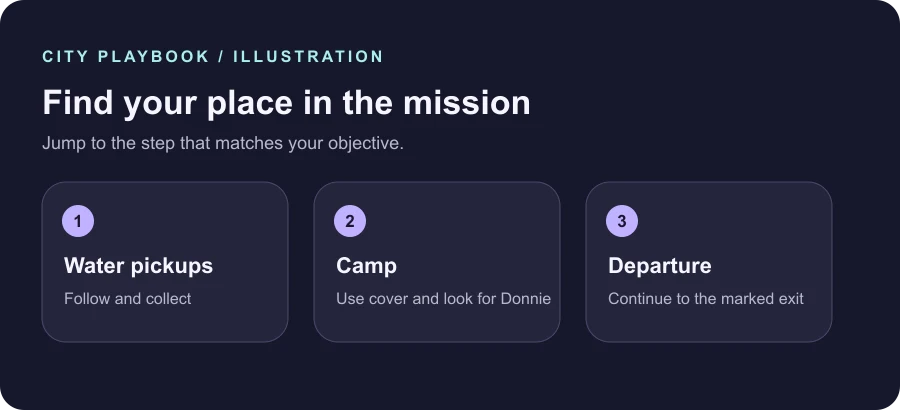
Missions and Walkthroughs follow the task currently active on your screen. The first guide follows Gone Fishing through water pickups, its camp section and departure. Open the article at the stage you need. You can leave the rest unread and return to the chapter when you want to continue.
Settings and Controls groups the menu options for captions, readability, controller layouts and sensitivity. Look up the option, change one setting and check the effect in play. This makes it easier to reverse the right change when it does not help.
Check scope and share the useful step
An article lists its platform scope and review date near the title. The detailed walkthroughs distinguish source-confirmed steps from suggested ways to check a problem. Compare the guide with your current objective, especially after reloading an older point or switching controllers.
Use the links in the article contents to open a particular step and copy it from the address bar when you want to share it. Returning to the list keeps your recent search on the device so you can try another result. A section link is also useful when you want to refer to one stage without revealing later story details.
The available categories reflect the guides you can read now. We add an indexed route when it solves a distinct problem with enough information to answer it. If you encounter a step that appears to differ on your platform, include the guide title, menu or objective name and what you observed when you contact us.
Grand City Auto VI: Market Shift
Explore our original city sandbox, see the first mission and look up the controls.