
Quick answer
For the boat pickups, bring your boat alongside each marked package and ease off the throttle. Allow your passenger to collect it before moving on. If you have already reached shore, jump to the camp section.
In this guide

Match the guide to your current objective
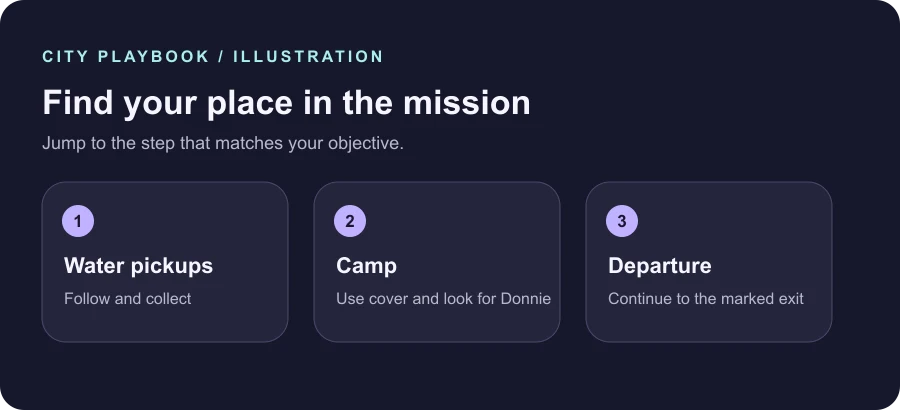
Gone Fishing is an early story mission. It moves through collecting packages from the water, looking for someone at a camp and following the departure objectives. If you arrived here while your console is paused, read the current objective and use the section links to reach the next action. The overview keeps plot details to a minimum.
The official screenshots on this guide show the Leonida Keys for context. The original illustrations explain the route between objectives. Follow the current markers and on-screen button prompts, especially if you use a custom control scheme or your console's button layout differs.
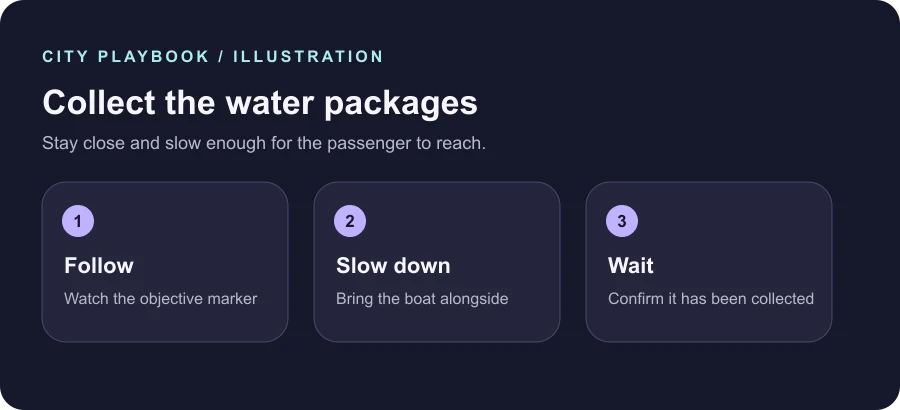
Slow down beside the water packages
Once the aircraft starts dropping marked packages, steer toward the next marker. Take off speed early and bring the boat alongside. Continue slowly enough for your passenger to reach the package. Wait for the objective to advance before setting off for the next one.
If you pass too quickly, turn back in a controlled arc and line up a fresh approach. Keeping the marker in view is easier than trying to correct at full speed. If you are unsure which package counts, use the marker supplied by the mission and look for the on-screen confirmation after the pickup.
The boat section of Gone Fishing is usually the part players want when they search for missing packages. If your objective has already changed to following the aircraft or looking toward the shore, let the marker lead you forward into the next stage. The shore section starts once the game hands you the next objective.
The launch walkthrough also describes a Focus control that highlights relevant objects. If you have trouble distinguishing a marker against the water, check the in-game Focus prompt for your control scheme. Your approach speed still matters. Give the pickup time to register before going after the next marker.
Use cover while locating the camp objective
At the camp, look for the current marker and take a moment to see where people are moving. Launch coverage describes a quieter approach using the taller grass along one side. Stay near cover while you move toward the marked building. The current objective matters more than clearing every part of the area.
Use the game prompts for any required focusing or interaction. The safest way to check your position is to stop, read the objective and identify the next marker before moving again. Going straight toward a distant marker can carry you through several exposed areas, so take each short leg on its own.
Continue inside at the marked objective. If a confrontation interrupts the exit, follow the prompts on your screen and check the objective again afterward. Use the departure section once the route out becomes your active task.
If the camp becomes harder to move through, pause long enough to read the remaining objective and check the nearest cover. The launch walkthrough describes a direct approach as possible, while the quieter route avoids drawing attention from the whole camp at once. Pick the route that matches the situation already on your screen.
Follow the exit and finish the mission
On the way out, the game may present an optional action along the route. Use your current marker to distinguish an optional stop from the required departure. Launch coverage describes leaving toward the dock, continuing by aircraft, then following the navigation prompts back on land.
Complete the remaining marked actions until the mission moves on and the normal game objective changes. You can return to the guide to check your progress without reading the rest of the story. If you are still in a vehicle section, keep following the immediate objective rather than using a destination name from a later step.
If you return from a checkpoint, find your current marker again. The first part of Gone Fishing includes several changes of task, so the stage you are currently on is a more reliable reading cue than your position on the map alone.
Your checklist
Mark the steps you have completed.
0 of 3 complete
Sources
These notes follow the published references below. Match controller labels and prompts to the version you are playing.